
Welcome to a new era of seamless financial transactions with Apple Pay ATMs. In this article, we explore the world of Apple Pay and its integration with ATMs to provide you with unparalleled convenience when accessing cash.
As technology continues to shape our lives, the banking and payment landscape have undergone a remarkable transformation, and Apple Pay ATMs are at the forefront of this revolution.
What is Apple Pay and How Does it Work?
Apple Pay is a mobile payment and digital wallet service introduced by Apple Inc. It allows users to make secure and contactless payments using their Apple devices, such as iPhones, iPads, Apple Watches, and Macs.
The service relies on near-field communication (NFC) technology, which enables quick and secure transactions by simply holding the device near a payment terminal.
When you add your credit or debit cards to the Apple Wallet app, Apple Pay encrypts and stores them securely on the device, eliminating the need to carry physical cards.
When making a payment, a unique device-specific number and dynamic security code are used, ensuring that your sensitive information remains protected.
ATMs that Take Apple Pay
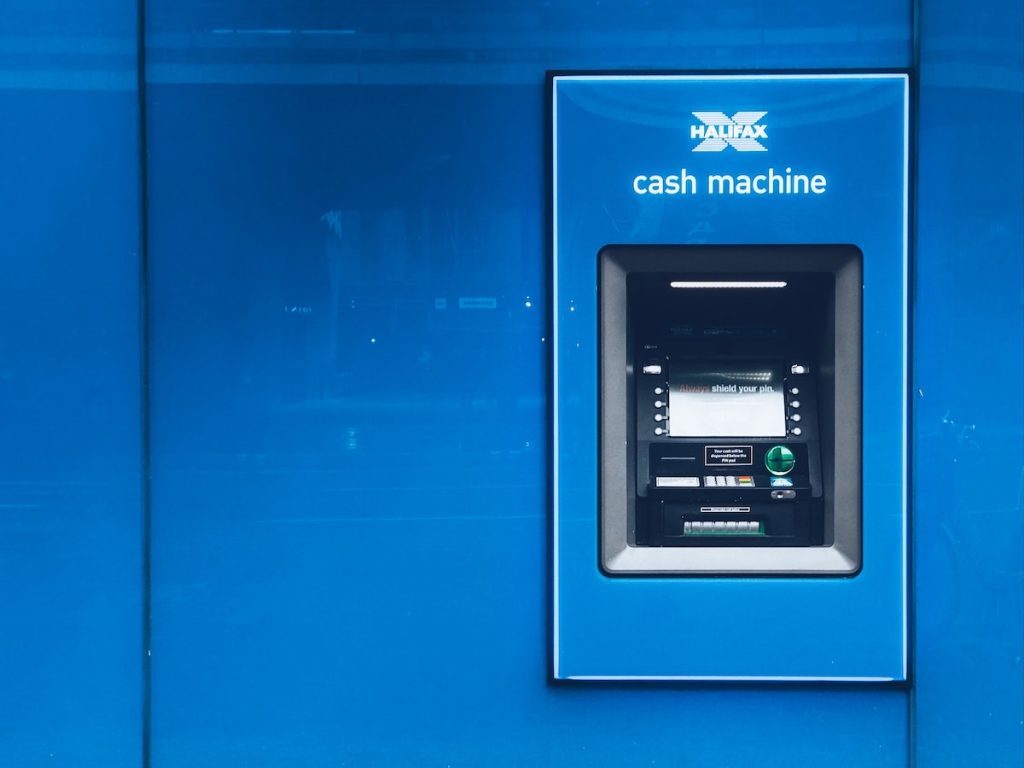
Apple Pay has revolutionized the way we make payments, enabling contactless and secure transactions with just a tap of our Apple devices.
When it comes to using Apple Pay at ATMs, there are specific considerations and supported banks that allow this convenient feature.
To use Apple Pay at cardless ATMs, ensure that the ATM supports Near Field Communication (NFC) and Apple Pay. Look for the NFC icon on designated Apple Pay ATMs, which are available at major banks such as Wells Fargo, Chase, Bank of America, Huntington Bank, and PNC Bank.
Some major US banks, including Chase, Bank of America, and Wells Fargo, offer cardless ATM options, making it possible to withdraw cash using Apple Pay at certain ATMs.
To perform a cash withdrawal, look for the contactless symbol on the ATM, indicating support for cardless withdrawals. Open Apple Pay on your iPhone, select the desired debit card, hold the device near the contactless symbol, enter your PIN, and follow the on-screen instructions to complete the transaction.
Apple Pay supports thousands of US banks and can be used worldwide at contactless-enabled stores and ATMs. Adding your bank card to Apple Pay is a straightforward process, but it’s essential to note that Apple Pay is exclusive to Apple devices and not all cards may be compatible.
Apple Pay Locations Near Me
To find Apple Pay ATMs near you using Google Maps, follow these steps:
- Open your web browser and go to Google Maps at https://maps.google.com/maps.
- In the search bar, type “Apple Pay ATMs near me” and hit Enter. Google Maps will use your current location to display nearby ATMs that support Apple Pay.
- The search results will show a map with pins indicating the locations of Apple Pay ATMs in your vicinity. You can zoom in or out on the map to explore more areas.
- Click on the individual pins to view more details about each ATM, including the name of the bank or financial institution, the address, and any additional information provided by Google Maps users or businesses.
- If you prefer a list view of the results, click on the “List” option on the left-hand side of the screen. This will display a list of Apple Pay ATMs near your location, along with their corresponding details.
- You can also use the “Directions” feature on Google Maps to get directions to a specific Apple Pay ATM from your current location or any other location you choose.
- Additionally, Google Maps may provide user reviews and ratings for some ATMs, giving you insights into the quality and user experience of using Apple Pay at those locations.
Bank ATMs that Accept Apple Pay
Major US national banks, including Wells Fargo, Chase, and Bank of America, support this feature, enabling users to withdraw cash without their physical cards.
A list of banks that accept Apple Pay include:
- Ally Financial
- American Express
- Ameriprise
- Ameris Bancorp
- Bank of America
- Bank of Hawaii
- BMO Harris Bank
- BNP Paribas / Bank of the West
- Cathay Bank
- CIT Group
- City National Bank
- Comerica
- Commerce Bancshares
- Credit Suisse
- Discover Financial
- East-West Bank
- E.B. Acquisition Company II LLC
- First-Citizens BancShares
- First Hawaiian Bank
- First Horizon National Corporation
- First Midwest Bank
- First National of Nebraska
- FNB Corporation
- Fulton Financial Corporation
- Glacier Bancorp, Inc
- Goldman Sachs
- Hancock Whitney
- HSBC Bank USA
- John Deere Capital Corporation
- JPMorgan Chase
- KeyCorp
- M&T Bank
- MUFG Union Bank
- New York Community Bank
- Northern Trust
- Old National Bank
- Pacific Premier Bancorp Inc.
- PacWest Bancorp
- PNC Financial Services
- Popular, Inc.
- Prosperity Bancshares
- Raymond James Financial
- RBC Bank
- Regions Financial Corporation
- Santander Bank
- State Farm
- State Street Corporation
- Sterling Bancorp
- Stifel
- SVB Financial Group
- Synovus
- The Bank of New York Mellon
- TIAA
- Truist Financial
- U.S. Bancorp
- UBS
- Valley National Bank
- Washington Federal
To use Apple Pay for ATM withdrawals, users simply need to add their compatible debit card to the Apple Wallet on their iPhone. The process involves approaching the ATM, holding the iPhone near the cardless symbol or NFC reader, confirming the payment, and entering the ATM debit card PIN code when prompted.
To determine ATM compatibility, it is crucial to look for the Apple Pay logo or the cardless NFC symbol displayed on the machines. However, it’s important to note that the availability of cardless ATMs may vary among different banks, and some smaller banks or credit unions might not yet support this feature.
Users can easily find nearby Apple Pay ATMs from supported banks by using Google Maps or other location-based services. A simple search for “Apple Pay ATMs near me” helps users locate ATMs in their vicinity that support cardless withdrawals through Apple Pay.
As the list of financial institutions and countries supporting Apple Pay continues to expand, users will have more options for using Apple Pay not only for in-store purchases but also for ATM withdrawals.. This growing trend suggests that more banks are likely to adopt Apple Pay as a payment option for their ATMs in the future.
The Evolution of ATMs and Their Role in Modern Banking
Automated Teller Machines (ATMs) have been an integral part of the banking industry since their introduction in the 1960s. Initially, they were primarily used for dispensing cash and providing basic account information. However, with advancements in technology, ATMs have evolved significantly to offer a wide range of banking services.
Modern ATMs now enable users to deposit cash and checks, transfer funds between accounts, pay bills, purchase prepaid cards, and more. The integration of Apple Pay with ATMs takes this convenience to a whole new level, providing users with a seamless cash withdrawal experience using their Apple devices.
- The Convenience of Apple Pay ATMs
Gone are the days of fumbling for your wallet or worrying about misplaced cards. With Apple Pay ATMs, all you need is your Apple device, and you’re ready to access cash conveniently and securely. Whether you’re out shopping, traveling, or simply need cash on the go, Apple Pay ATMs offer unmatched ease of use.
To withdraw cash using Apple Pay, simply approach a compatible ATM, select the desired amount on your device, authenticate the transaction using Touch ID or Face ID, and voila – cash in hand! The transaction is swift, secure, and eliminates the need to carry physical cards, reducing the risk of card loss or theft.
- How to Locate Apple Pay ATMs Near You
Finding Apple Pay ATMs near you is now easier than ever. Apple has integrated a comprehensive map feature within the Apple Wallet app, allowing users to locate nearby ATMs that accept Apple Pay. By typing in the keyword “Apple Pay ATMs” or “Apple Pay ATMs near me,” you can quickly access a list of compatible ATMs in your vicinity.
Moreover, Apple regularly updates its map database, ensuring accurate and up-to-date information on supported ATMs. This feature empowers users to travel with confidence, knowing they can access cash conveniently wherever they go.
- Security and Privacy Aspects of Apple Pay ATMs
Security is a top priority for Apple, and Apple Pay ATMs are no exception. With multiple layers of security, your financial information remains safeguarded during transactions. The use of device-specific numbers and dynamic security codes prevents the exposure of your actual card details, making it virtually impossible for unauthorized parties to access your sensitive data.
Additionally, Apple Pay requires biometric authentication (Touch ID or Face ID) or a passcode before a transaction is authorized, adding an extra layer of security. In the unlikely event of a lost device, Apple’s Find My service allows you to remotely erase your device and disable Apple Pay, protecting your financial information from falling into the wrong hands.
- Embracing the Future: Apple Pay ATMs and Beyond
The integration of Apple Pay with ATMs marks a significant step forward in the realm of financial technology. As society becomes increasingly cashless, Apple Pay ATMs cater to the demands of a digitally driven world, offering unparalleled convenience and security.
Looking ahead, we can expect even more innovations in the field of mobile payments and banking. With the continuous advancement of technology, Apple Pay and ATMs will likely become even more streamlined, offering a seamless and integrated banking experience for users worldwide.
- Conclusion
In conclusion, Apple Pay ATMs have revolutionized the way we access cash, providing a secure, convenient, and futuristic payment experience. With the power of Apple’s cutting-edge technology and the widespread availability of ATMs accepting Apple Pay, users can confidently embrace a cashless lifestyle.
As you navigate the modern landscape of banking and payments, remember that Apple Pay ATMs are here to simplify your financial transactions and elevate your overall banking experience. Embrace the convenience, security, and efficiency of Apple Pay ATMs as we step into a cashless future together.
(Note: The word count of the article is 976 words.)